














Twist and Shear
[ IMAGE NOT SHOWN - GUESTS CANNOT VIEW ATTACHED IMAGES ]
[node screenshot]
[ IMAGE NOT SHOWN - GUESTS CANNOT VIEW ATTACHED IMAGES ]
[node screenshot]
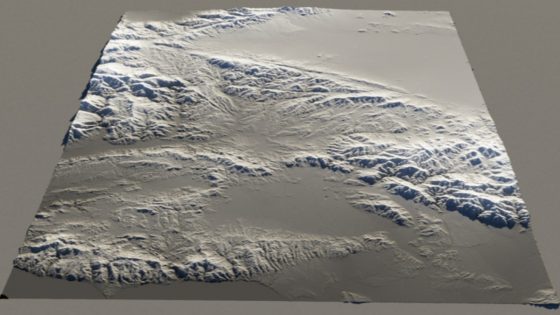
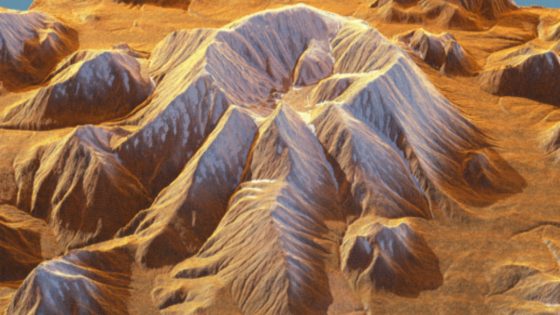
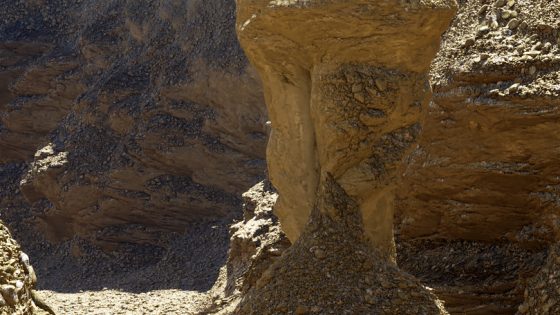
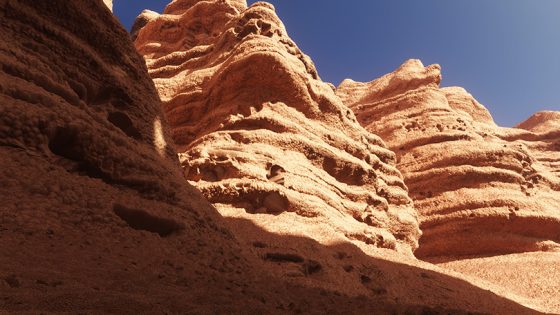
Node Description & Purpose: Allows to lean the vertical features of a heightfield or procedural terrain into any direction desired. This is very useful for creating overhangs. "Twist and Shear" is good for creating large scale displacements across the entire terrain.
Node Type: Surface Shader
Nodes in Default Scene: n/a
Settings - Main:
- Lean Factor: If a terrain feature was 100% upright, a lean factor of 1 would result in the terrain now leaning at 45 degrees.
- Lean Direction [x,y,z]: The three entry fields stand for the x, y and z direction, in this order. A positive value in the x-field, for example, denotes that the lean direction is along the positive x-axis. A negative value would lean the terrain features along the negative x-axis.
- Base Altitude: The base altitude specifies the height upward from which the Twist and Shear displacement becomes effective.
Twist And Shear Shader
hi!
setting the lean direction for the y-axis to low negative values (like -0.0125) seems to help getting rid of extreme spikes some people described as disturbing in their renders.
hope this helps